Export Cookie Decisions
The Cookie Decisions page lets you export a record of all visitor consent decisions as a CSV file. This is useful for compliance reporting, audit trails, and understanding user consent patterns.
Prerequisites
- You can access Platform -> Cookies Decisions.
- You know the reporting date range you need to export.
Required Permissions
| Permission Code | Access |
|---|---|
cookies:export | Export cookie decision records |
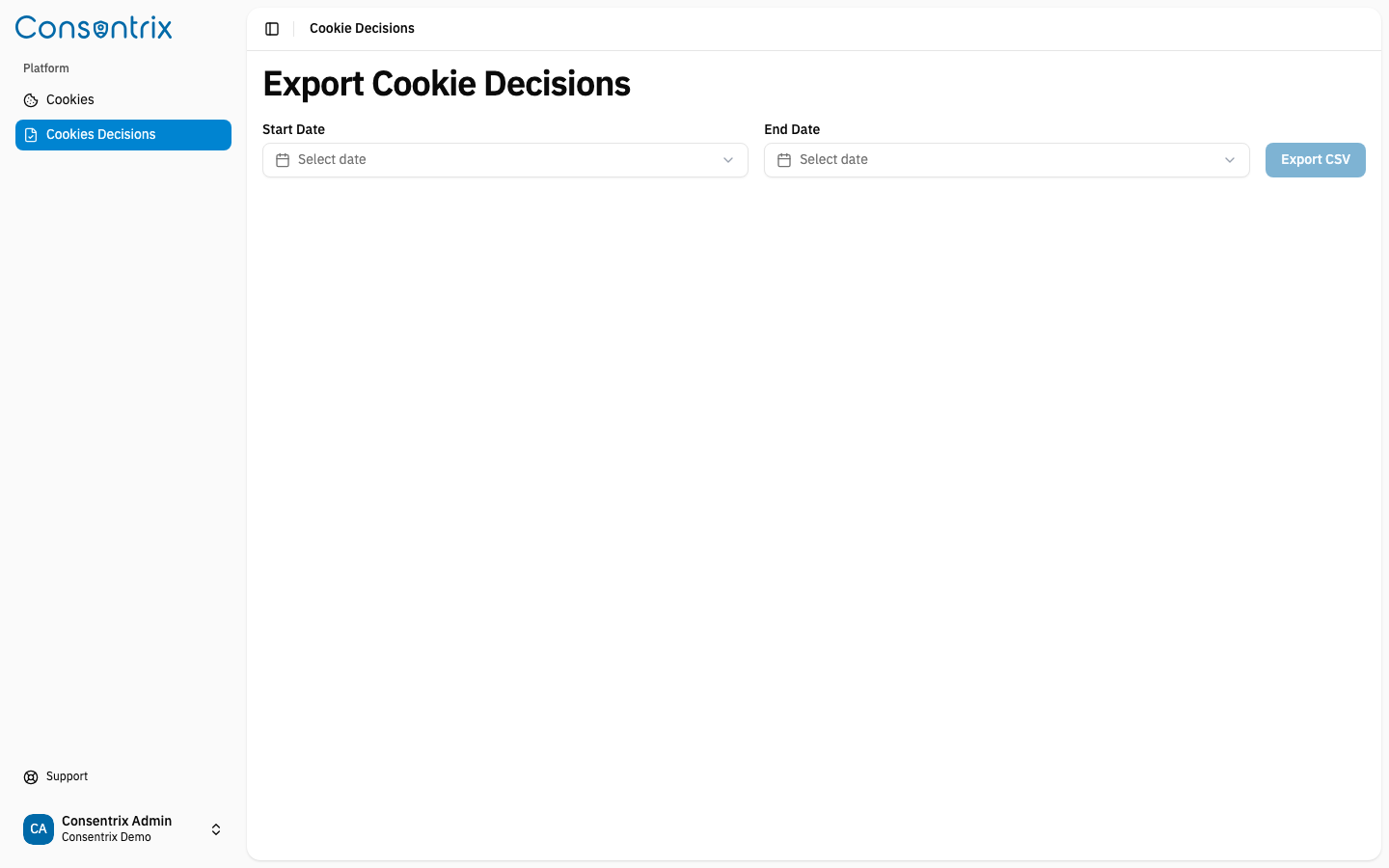
Export workflow
- Navigate to Platform → Cookies Decisions in the sidebar.
- Select a Start Date — the beginning of the reporting period.
- Select an End Date — the end of the reporting period.
- Click Export CSV.
The system generates a CSV file containing all consent decisions made within the selected date range and downloads it to your device.
Use cases
| Use case | Description |
|---|---|
| Compliance reporting | Demonstrate that your organization collects and respects user consent as required by privacy regulations (e.g. PDPA, GDPR). |
| Audit trail | Maintain a record of when and how users gave or withdrew consent. |
| Analytics | Analyze consent patterns — how many users accept all cookies, which categories are most often rejected, etc. |
| Investigation | Look up a specific user's consent history by filtering the exported data. |
Related Links
- Managing Cookies — Create and manage cookie configurations
- Cookie Consent Overview — Understand the Cookie Consent feature
- Audit Log — Track platform activities